Introduction to Shiny
What is a Shiny app?
Each Shiny app involves:
- A web page
- A computer that watches the web page and responds to user events on that page
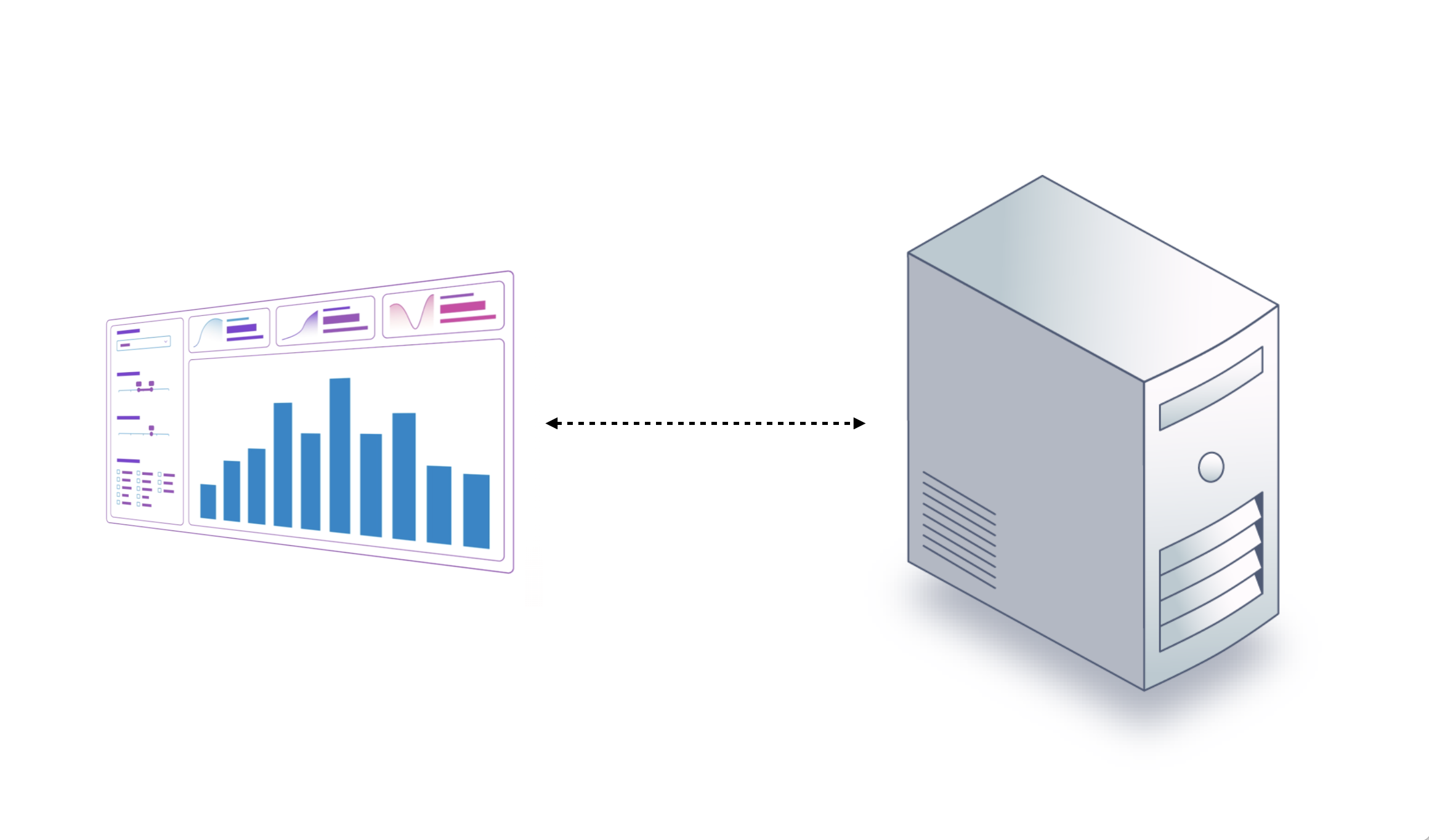
What is a Shiny app?
Each Shiny app involves:
- A web page
- A computer that watches the web page and responds to user events on that page
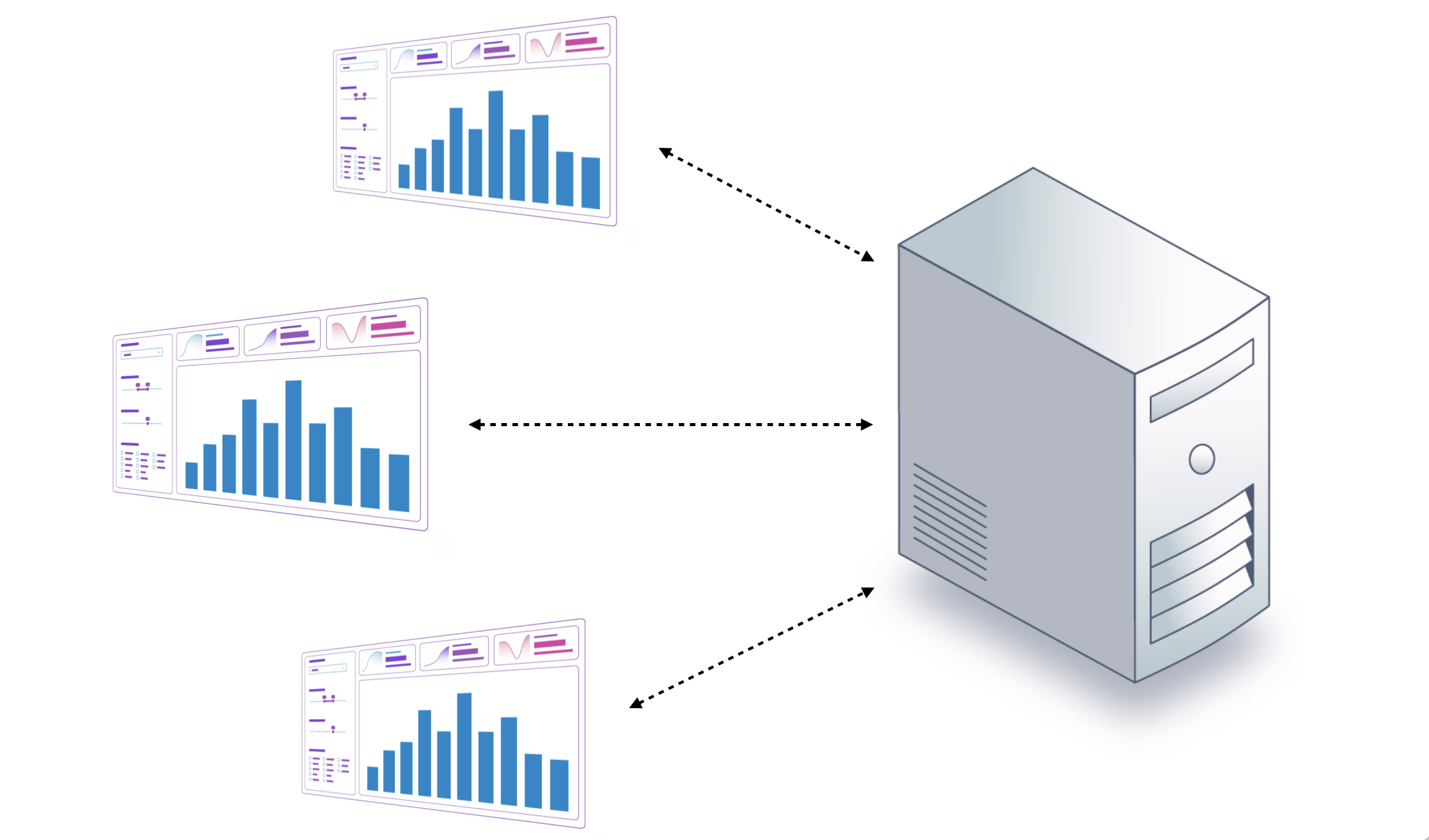
What is a Shiny app?
Each Shiny app involves:
- A web page
- A computer that watches the web page and responds to user events on that page
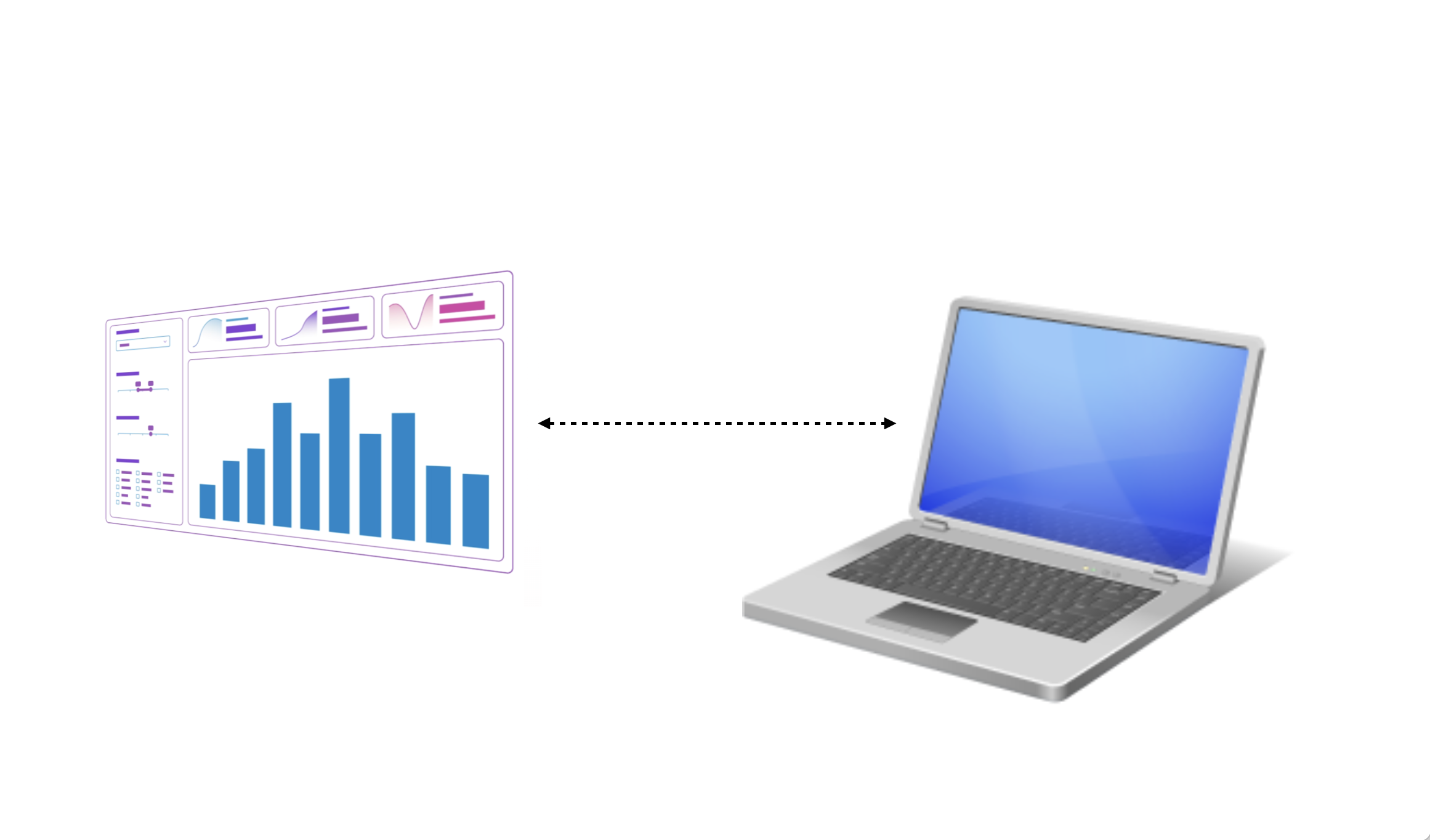
Components
Each Shiny app consists of:
- Inputs
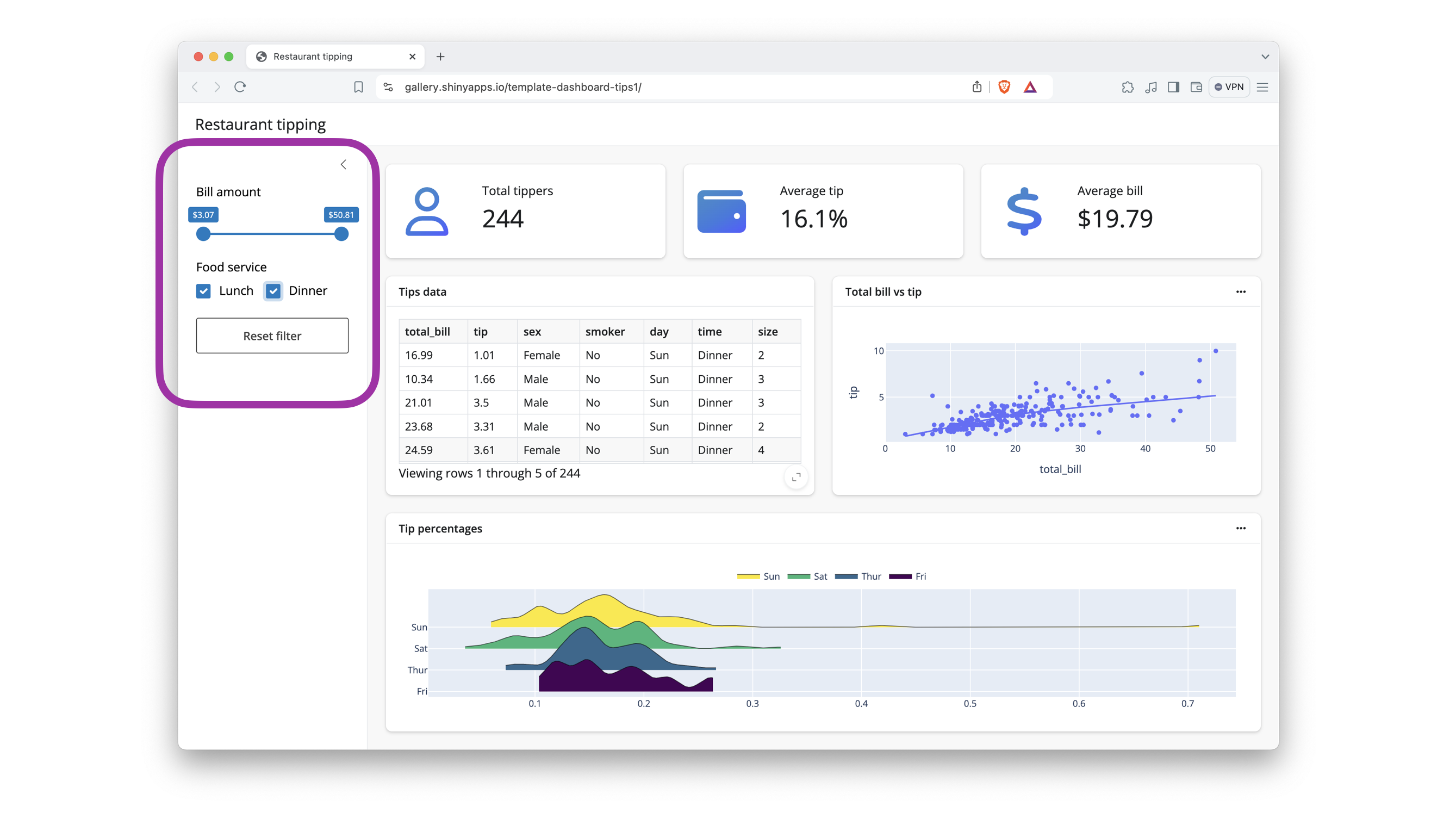
Components
Each Shiny app consists of:
- Inputs
- Outputs
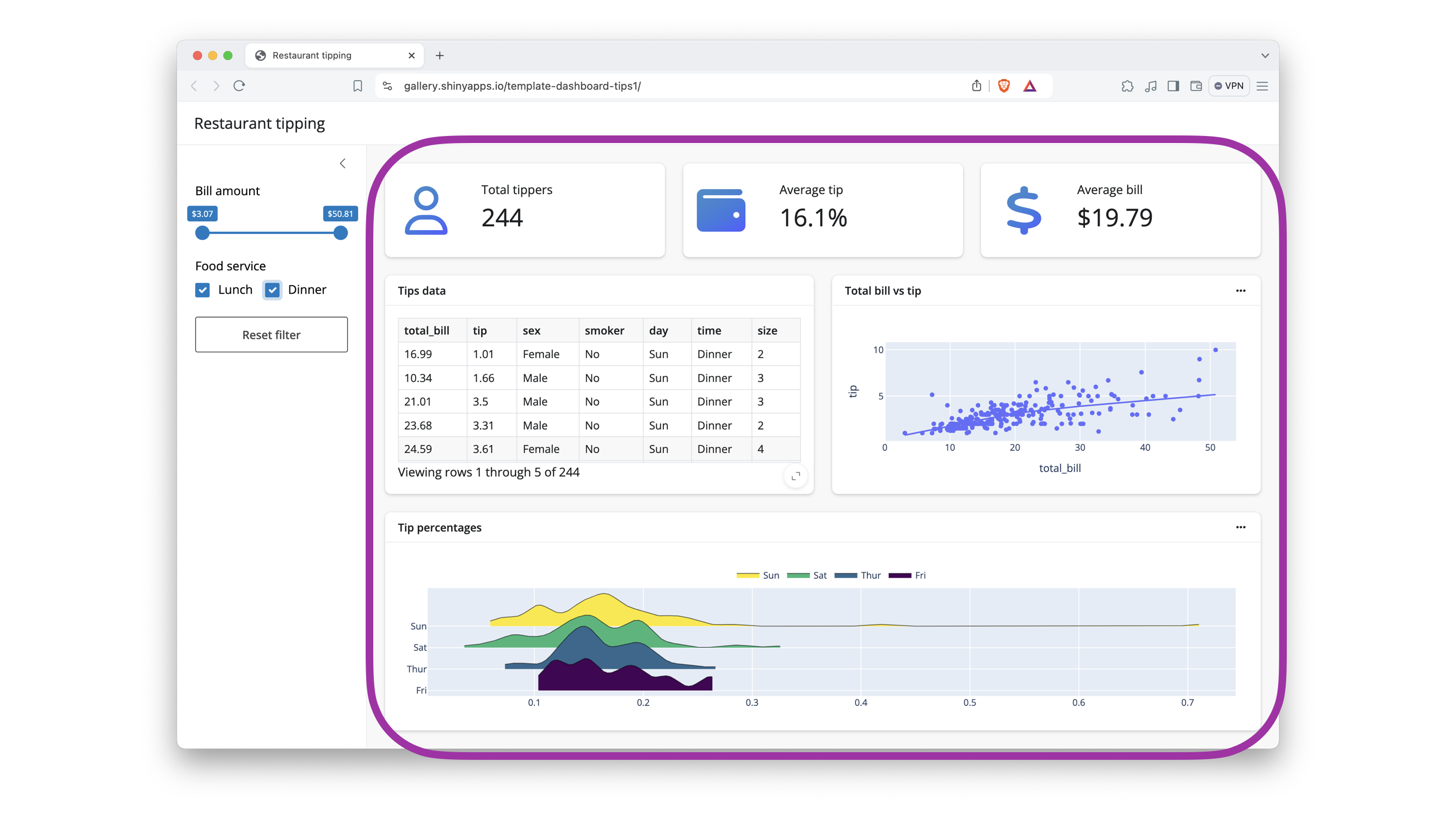
Components
Each Shiny app consists of:
- Inputs
- Outputs
- Instructions on how to build outputs from inputs
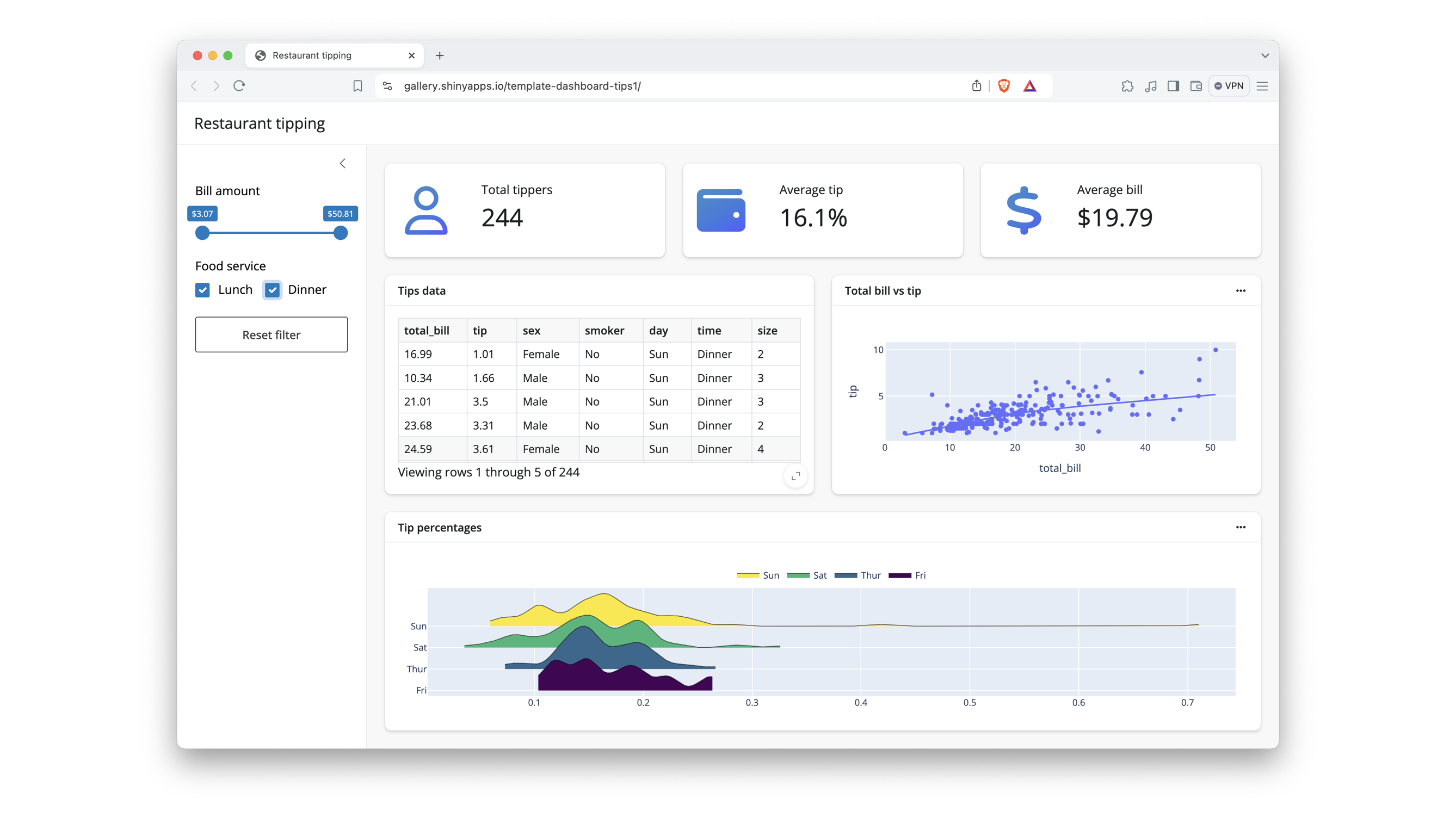
Reactivity
When an input changes, Shiny reacts by rebuilding the outputs that depend on it, and only those outputs.
Spreadsheet Analogy
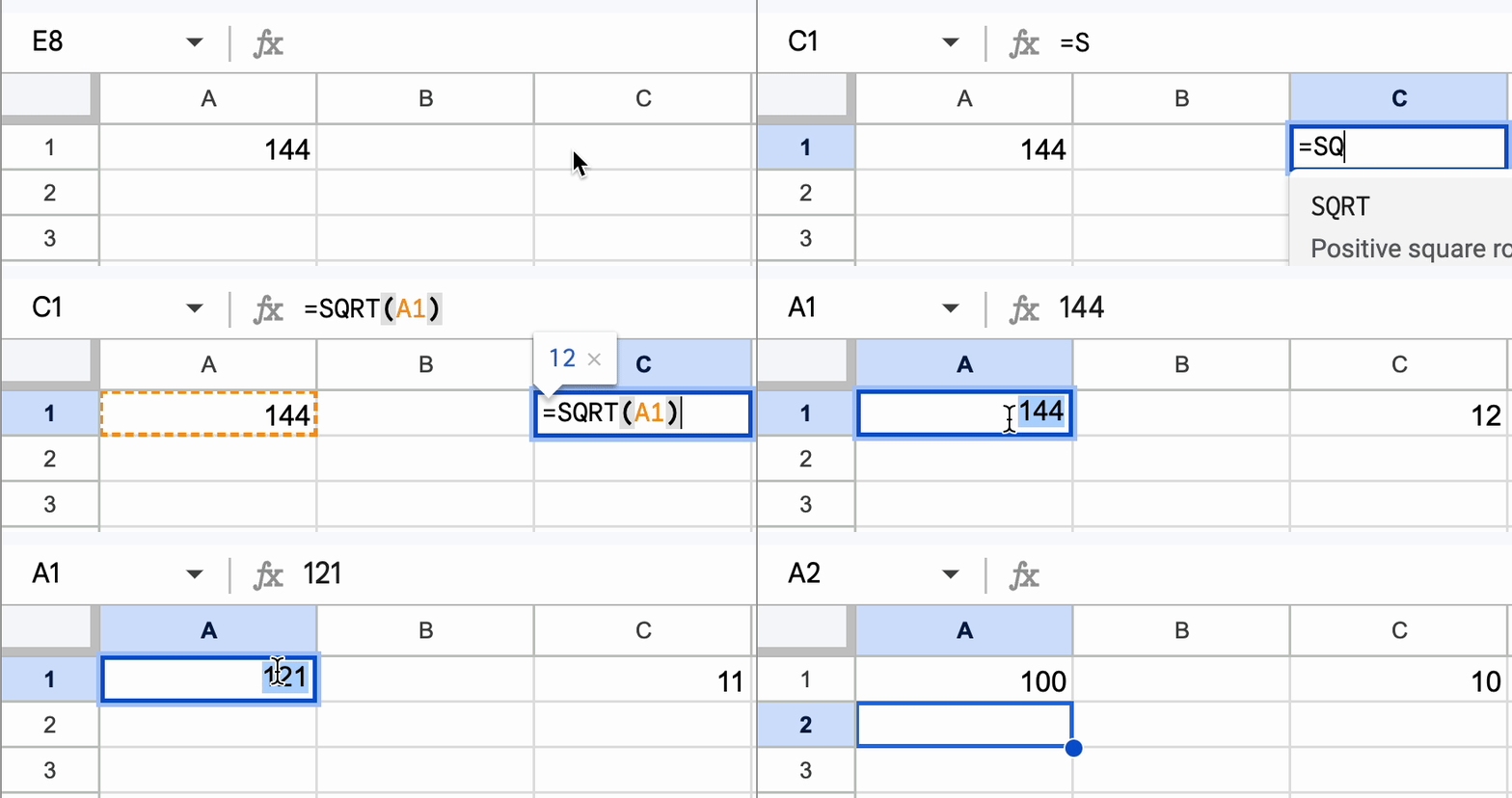
- Inputs
- Outputs
- Instructions on how to build outputs from inputs
Spreadsheet Analogy
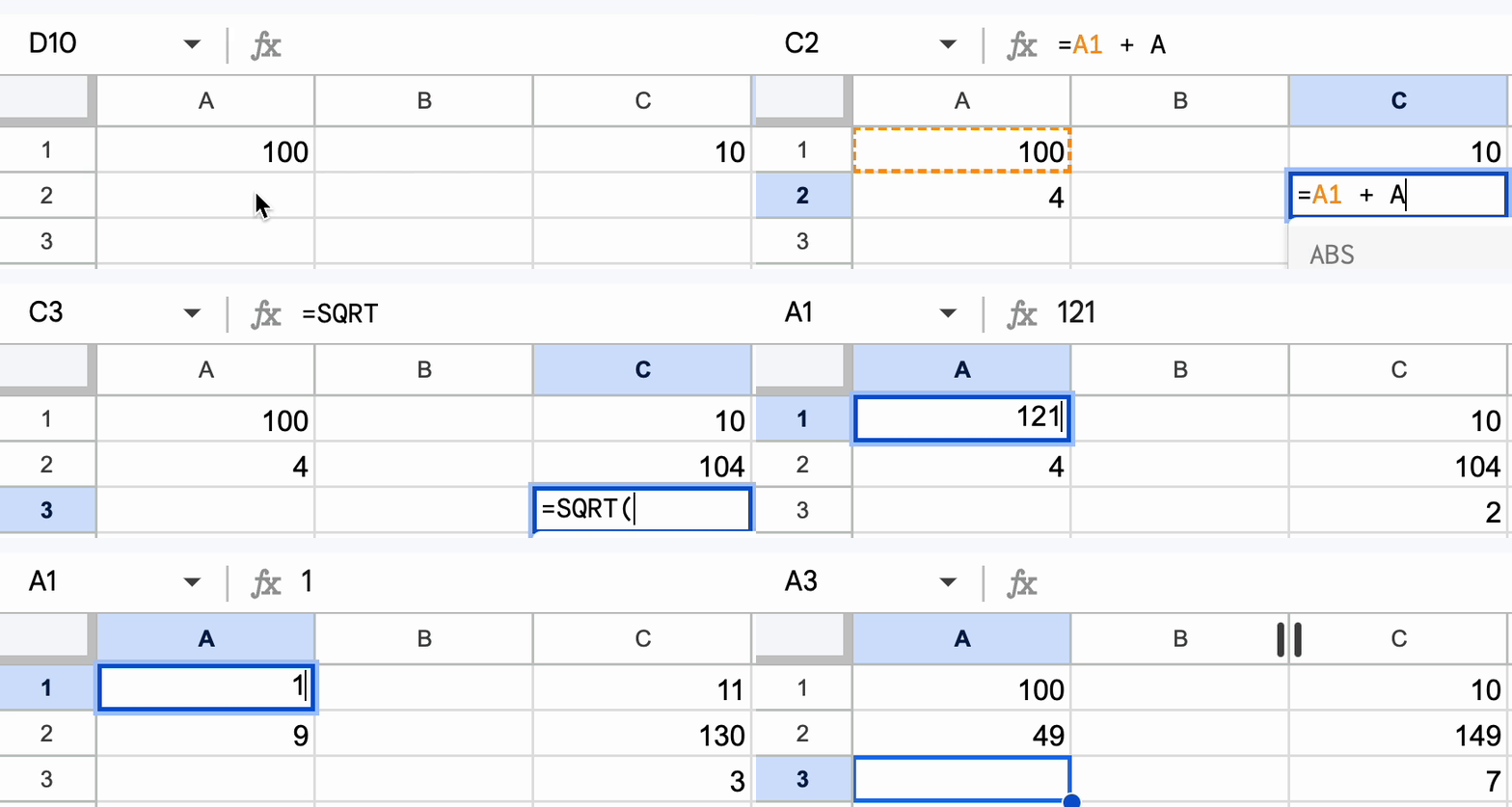
Updates:
- When an input changes
- Only the parts of the app that depend on the input
Key features of reactivity
- Easy enough to use for prototypes
- Efficient enough to handle complexity
- Scales to build production quality apps
Why Shiny for Python?
Shiny lets you quickly create reactive web apps without worrying about:
- cache
- state
- callbacks
- …or even HTML, CSS, and JavaScript
And, these apps can scale from prototype to production-ready.
Shiny Syntax
- Shiny for R
- Shiny for Python
- Core syntax: similar to Shiny for R
- Express syntax: similar to Streamlit